Set up your account
Before you can access DigiCert® AI Trust Manager, set up your user account in DigiCert ONE. DigiCert ONE provides the identity and access management layer used to authenticate users and control their access to AI Trust.
After your DigiCert ONE account is set up and you have been assigned the required permissions, sign in to AI Trust using your DigiCert ONE credentials. Your access to platform features and resources is based on the roles and permissions assigned to your account.
The setup and sign-in process includes:
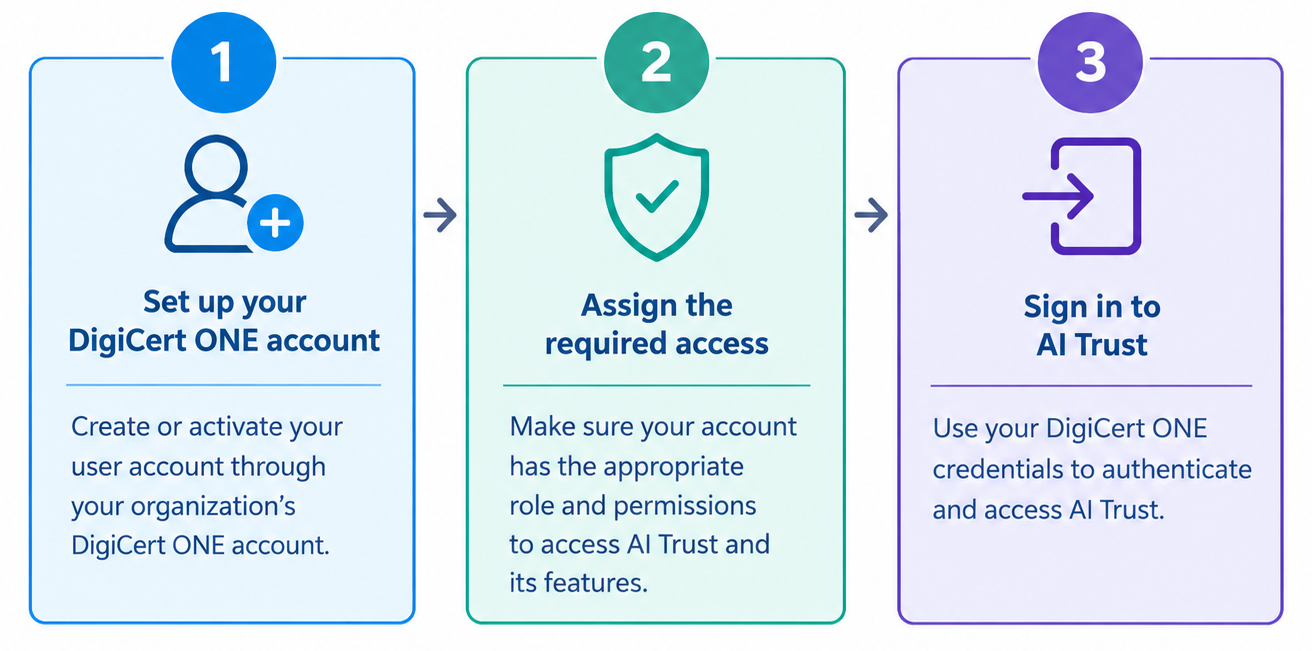
Set up your DigiCert ONE account — Create or activate your user account through your organization's DigiCert ONE account. Contact your administrator for DigiCert ONE and AI Trust access.
Assign the required access — Make sure your account has the appropriate role and permissions to access AI Trust and its features.
Sign in to AI Trust — Use your DigiCert ONE credentials to authenticate and access the platform. For more information about sign-in methods, see Digicert ONE sign-in methods.
Note
If you do not have a DigiCert ONE account or cannot access the required features, contact your administrator or Digicert support.